// Mac App Store · Retro Word Processor
RETROWRITER
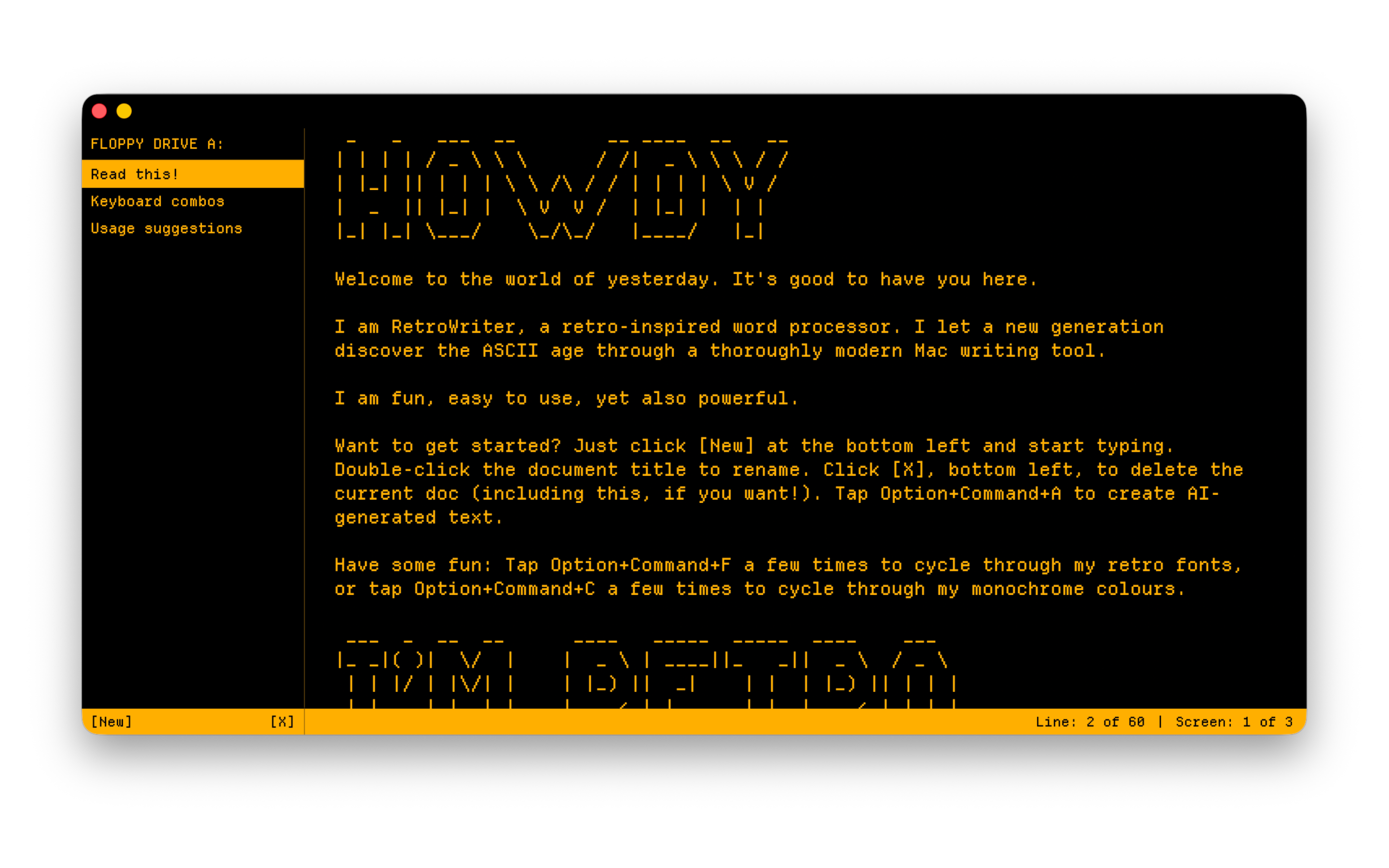
I am a retro-inspired word processor. I let a new generation discover the ASCII age through a modern Mac writing tool.
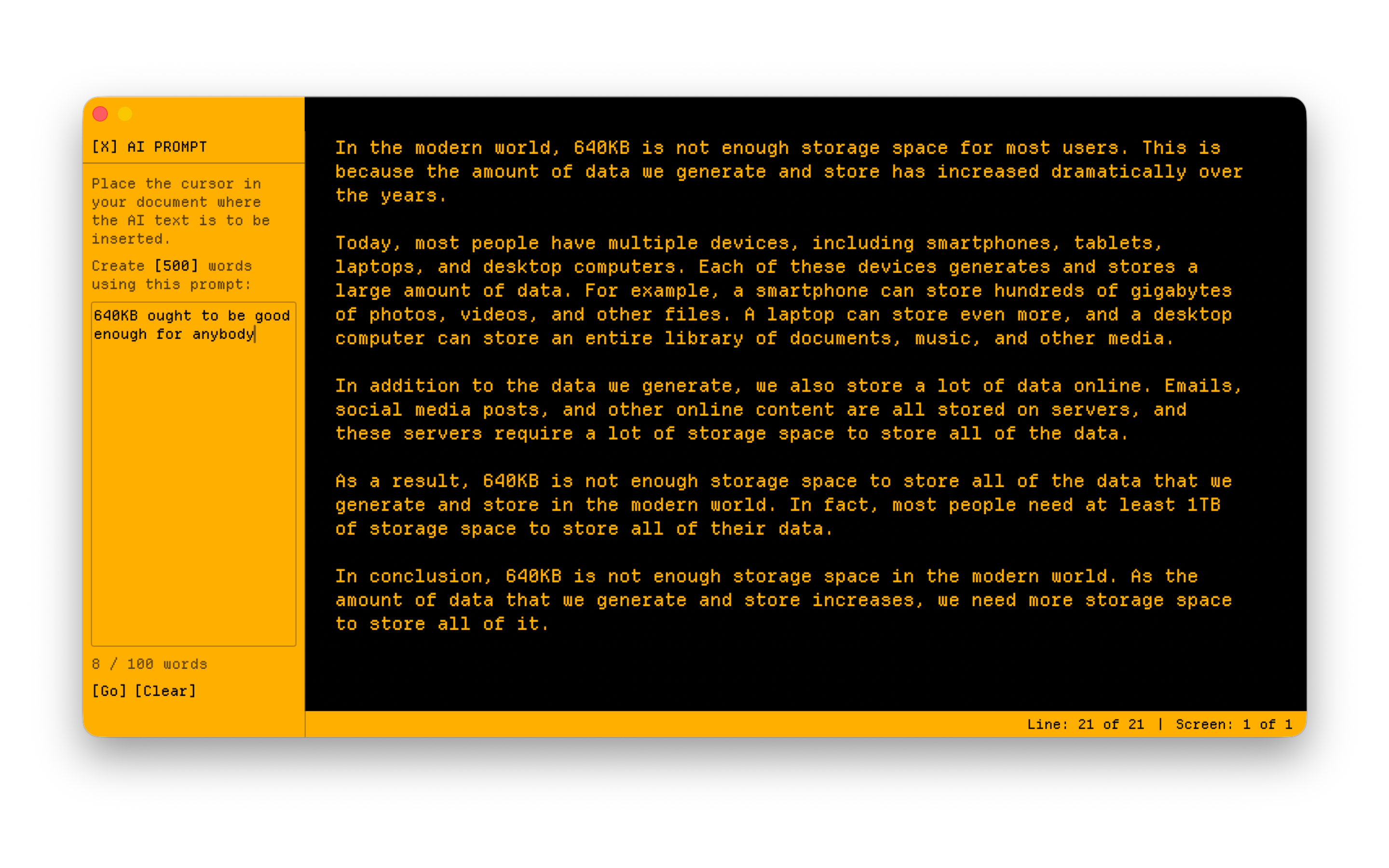
I blend the immediacy of a text editor with features like inline spellcheck & basic AutoCorrect (both can be turned off), plus AI-assisted writing, and modern output options (including Google Docs and basic Markdown). No need for emulation. And no need to give up modern ways of working. I am fun, easy to use, yet also powerful.
// Screenshots
// I'm Retro
Awesome ASCII
- 80-column by 24-line display (early PC-equivalent)
- No right-click, no scroll bars, no pop-up dialog boxes, no settings panel
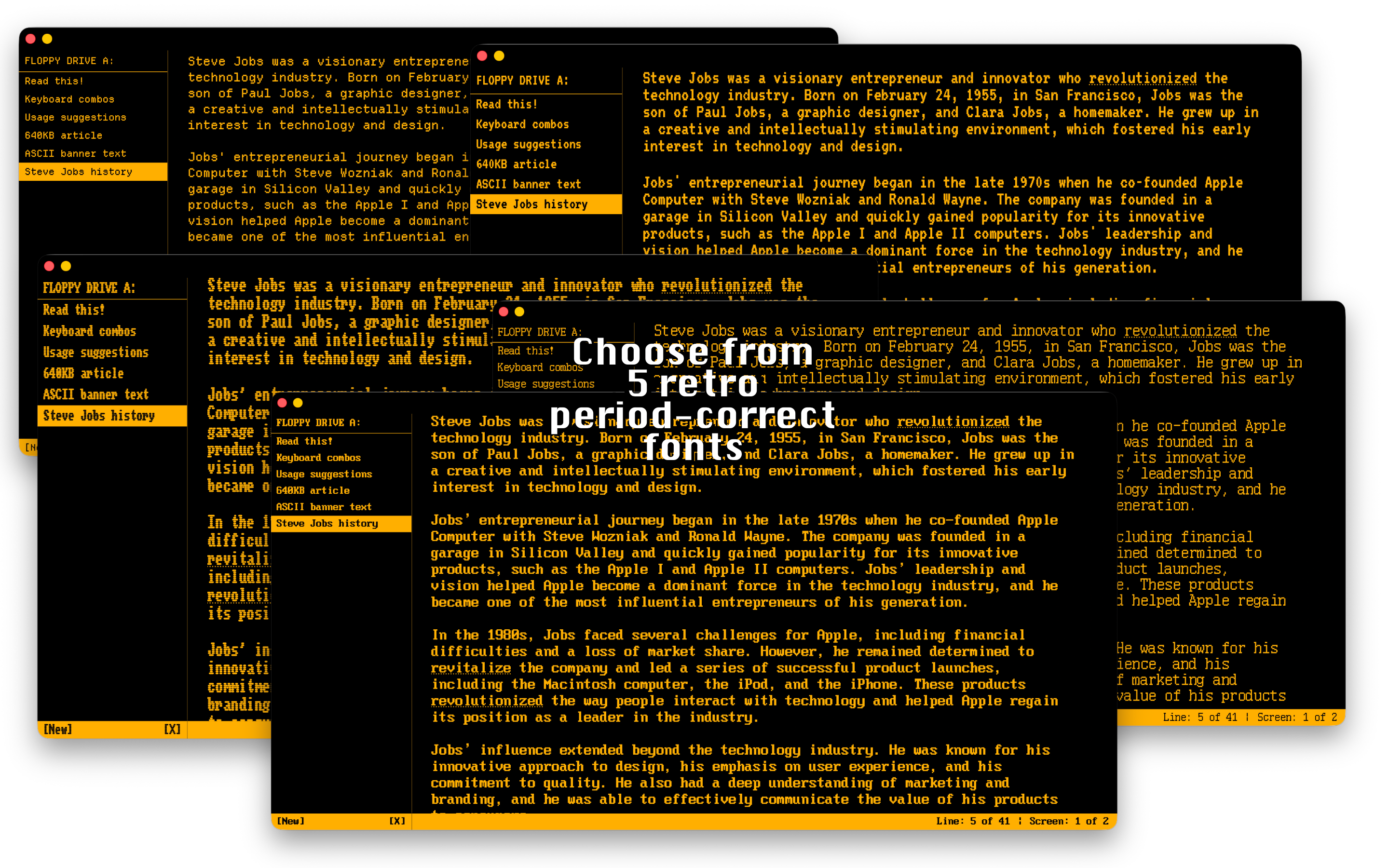
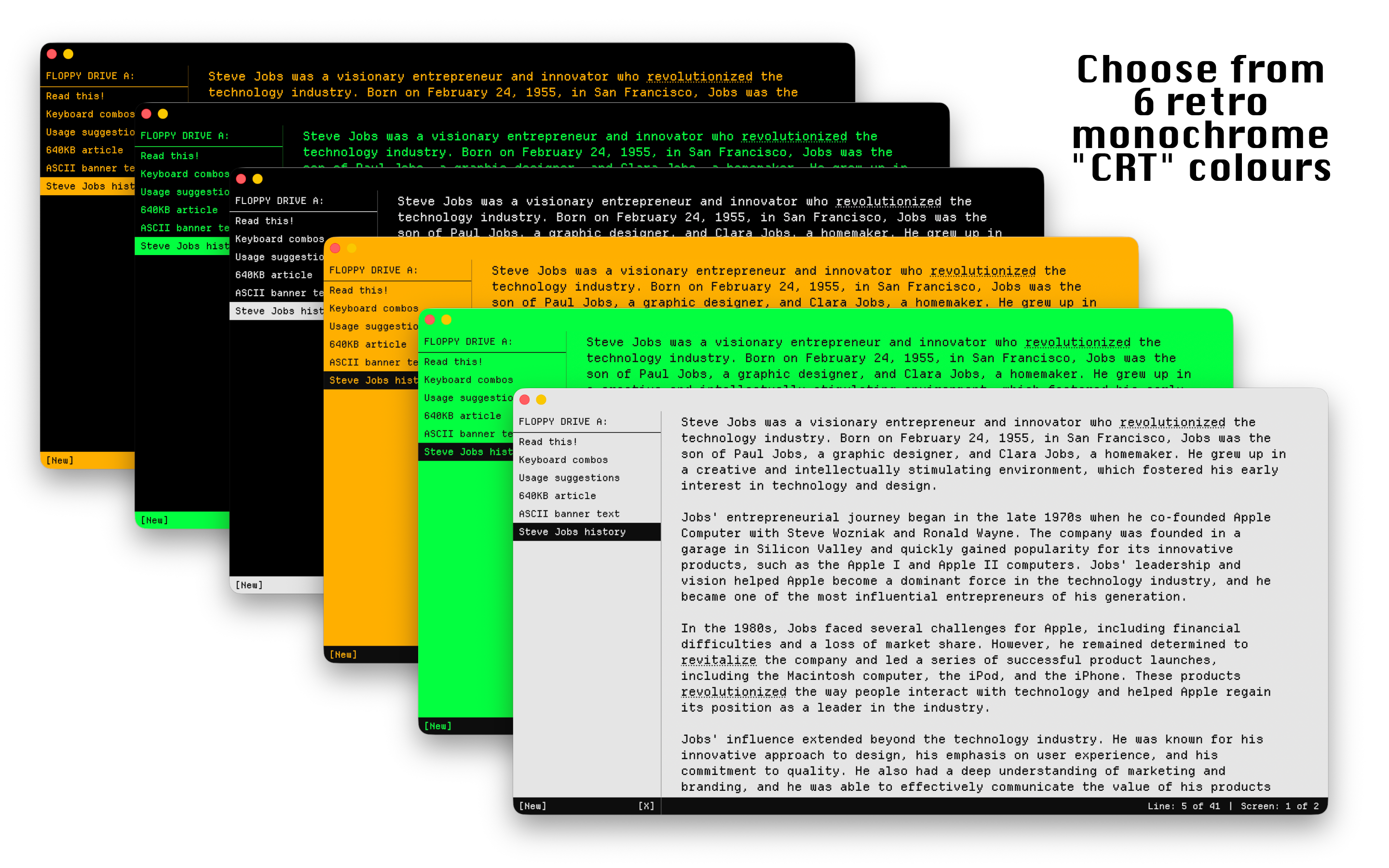
- Five retro font choices with retro "monochrome screen" colour options
- Status bar at the bottom, plus doc listing at left
- Line count listing (plus a "Screens" count; one Screen is 24 lines)
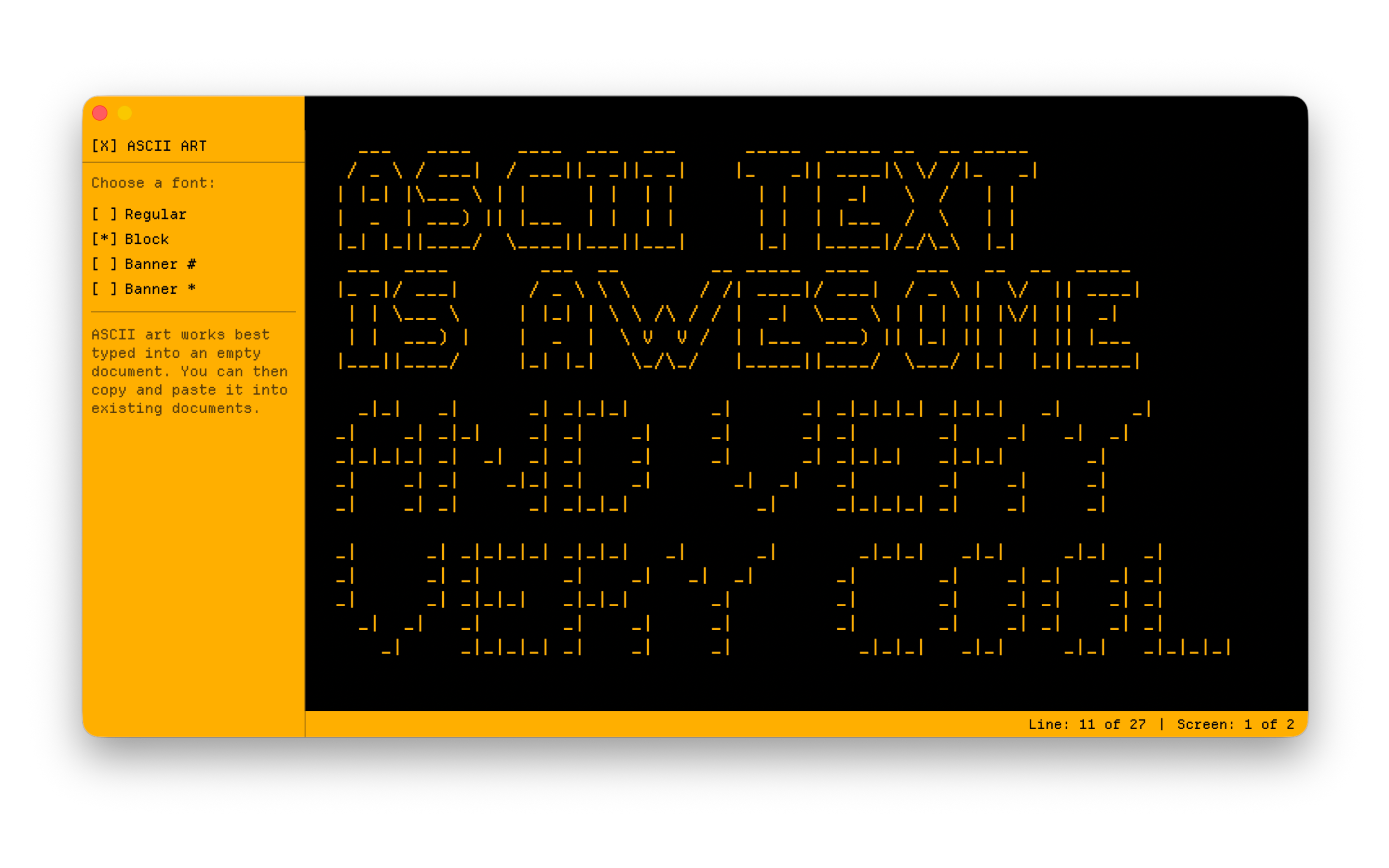
- ASCII art including FIGlet creation
Monochrome Madness
- Classic amber phosphor — the default warm glow
- Green phosphor for that authentic early terminal feel
- White mode — crisp, clean, high contrast
- Inverse mode — Lose the black background, gain black text
- Secret hidden blue phosphor mode for rare CRT authenticity
- Plus, WordPerfect mode — white text on deep blue, and even a hidden C64 mode — blue on blue, Commodore-style
// I'm Modern
Writing & Editing
- Incremental saves — never need to Cmd+S or File > Save
- Automated backup to your Mac's iCloud account
- Generative AI for text insertion and reworking (requires compatible Mac)
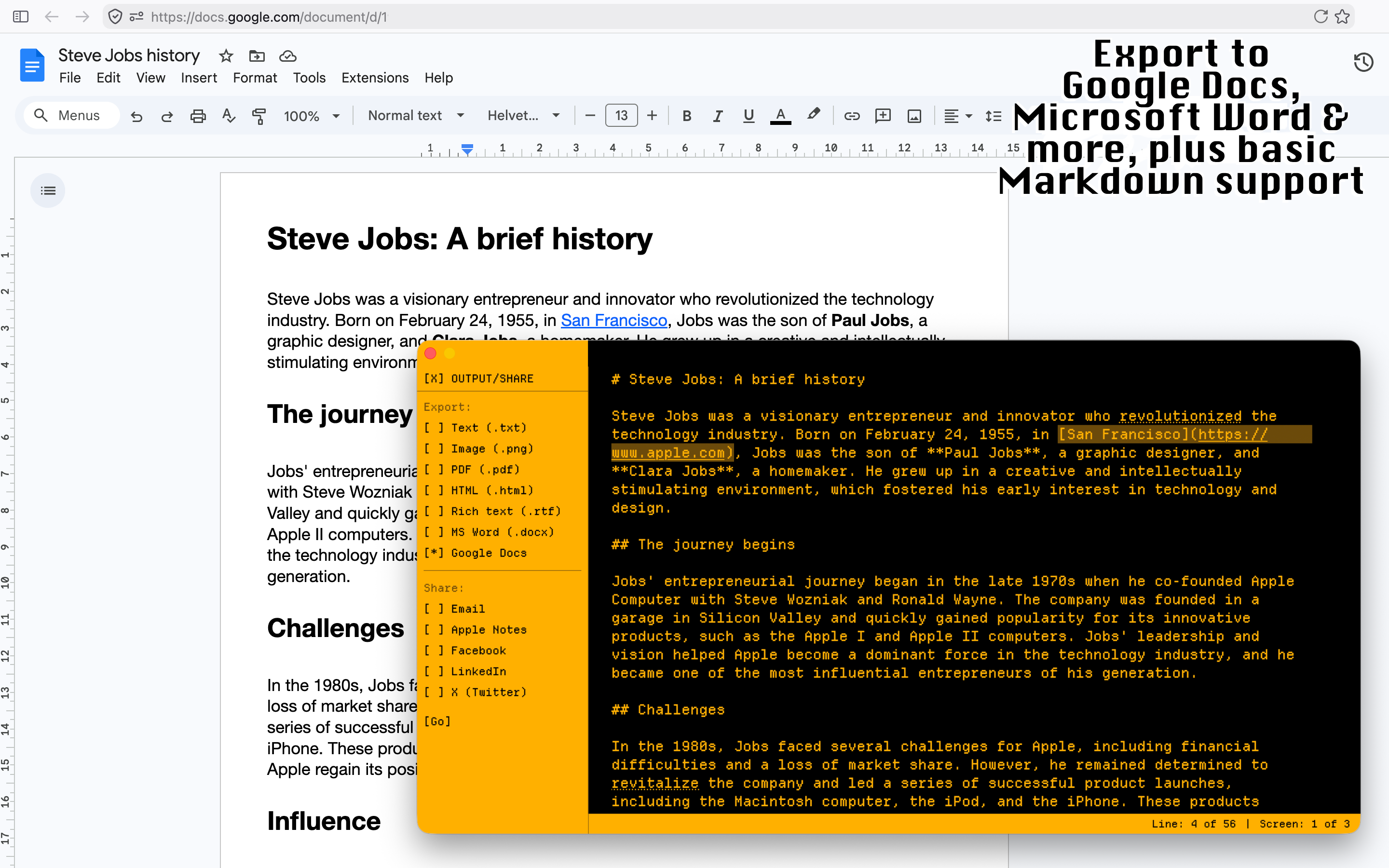
- Export to .docx, .pdf, Google Docs etc. plus social, email & Apple Notes
- Basic Markdown support for outputting formatted documents
Productivity
- Core word processor features: Find/Replace, word count, distraction-free fullscreen
- Bookmarks to navigate long documents
- Snippets to save deleted copy for later
- Inline spellcheck and basic AutoCorrect (both switchable on/off)
- Grammar document checking via macOS native feature
- Macro/boilerplate support for inserting chunks of text you use a lot